Your Personal
QR Code Manager
Create, scan, organize, and share QR codes with beautiful styles and decorative frames. All your QR codes in one place.
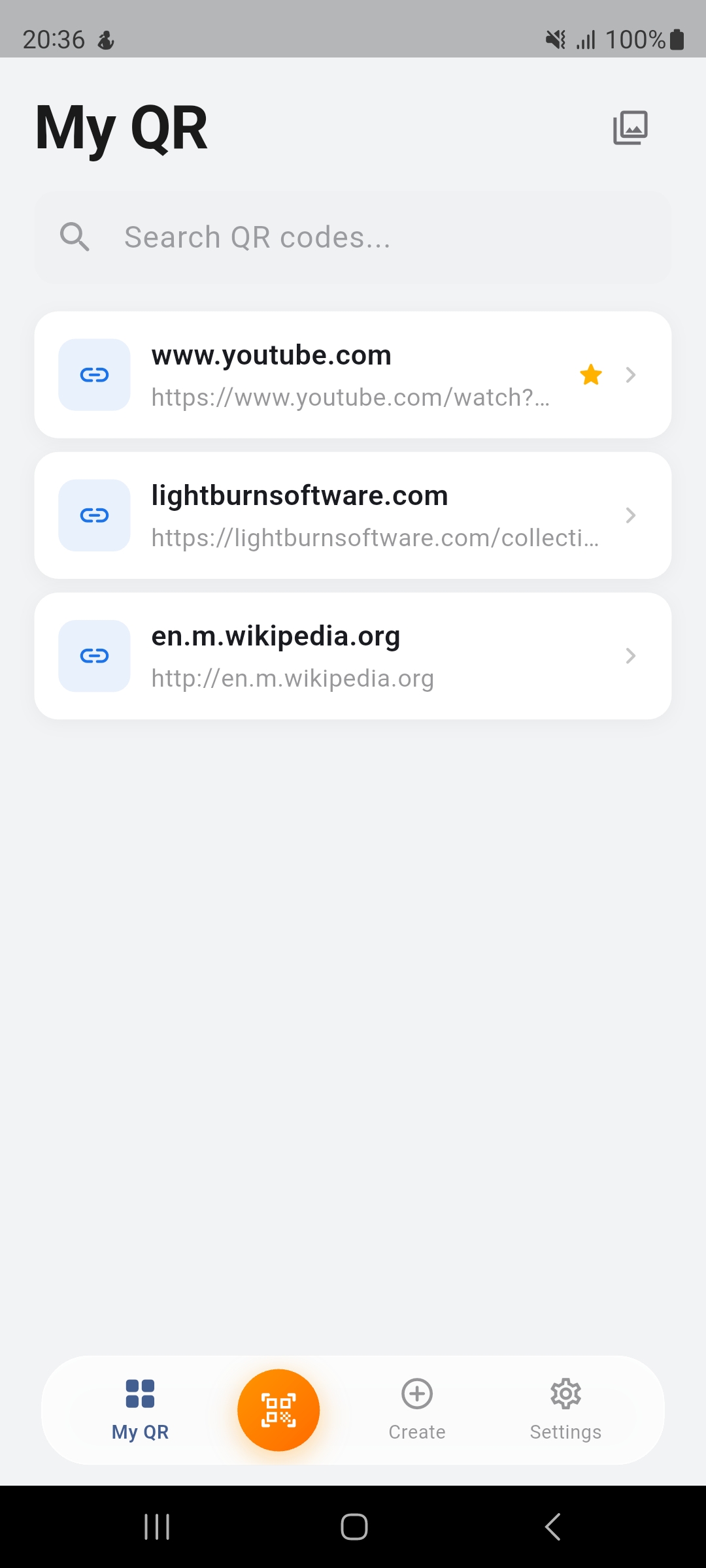
Create, scan, organize, and share QR codes with beautiful styles and decorative frames. All your QR codes in one place.
From scanning to creating, styling to sharing — QR Manager handles it all with a beautiful, intuitive interface.
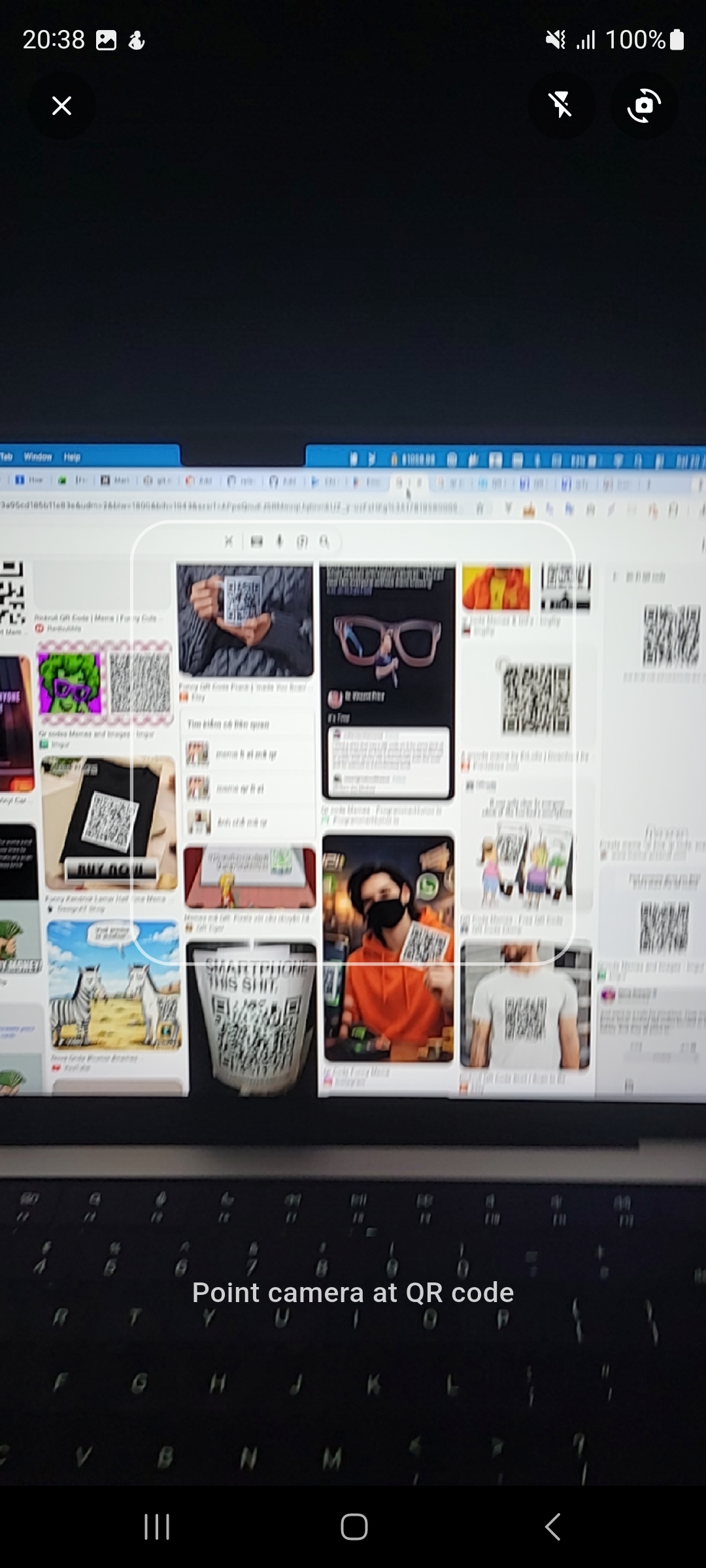
Point your camera at any QR code and instantly save it to your library. Fast and accurate scanning.
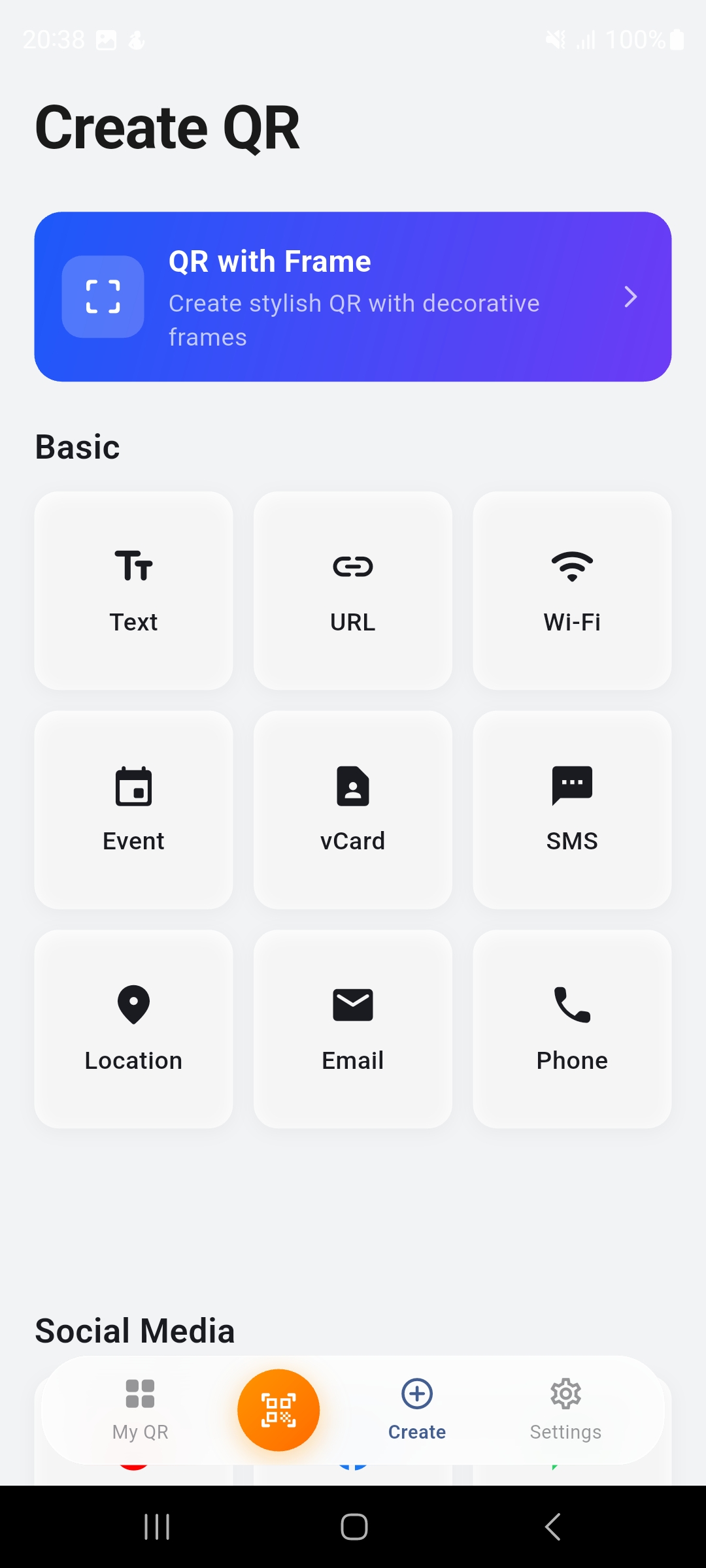
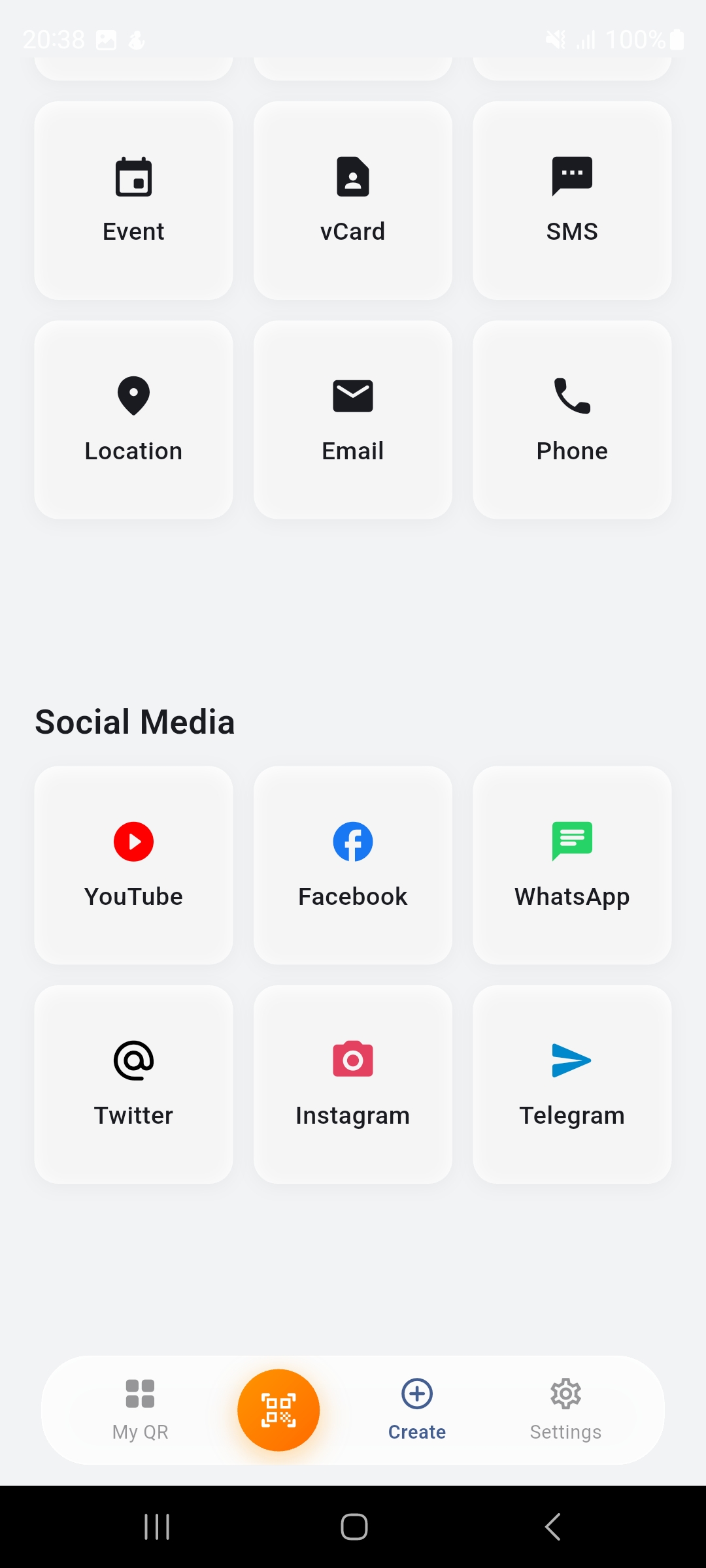
Generate QR codes for URLs, Wi-Fi, vCards, events, social media, and more. 15+ types supported.
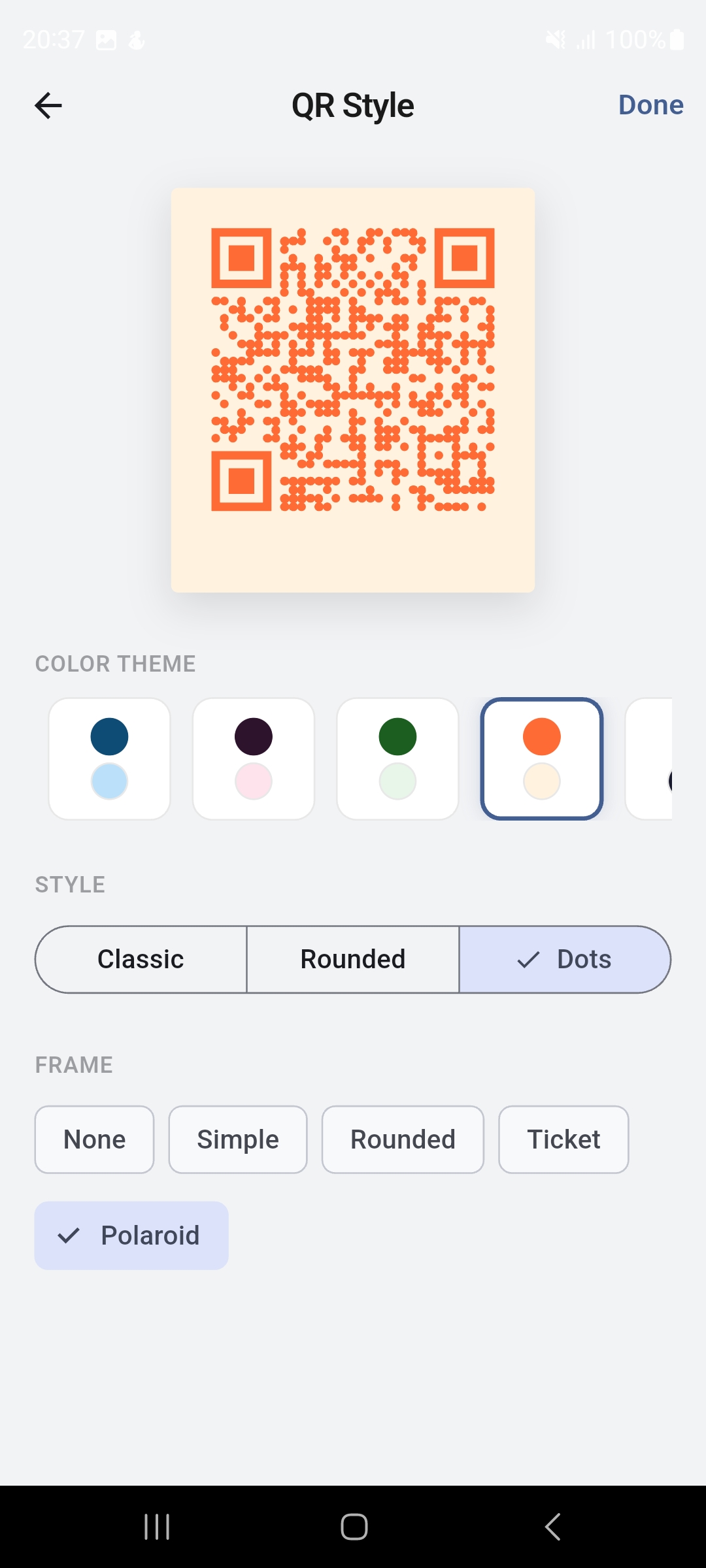
Personalize your QR codes with color themes, dot styles (classic, rounded, dots), and frame options.
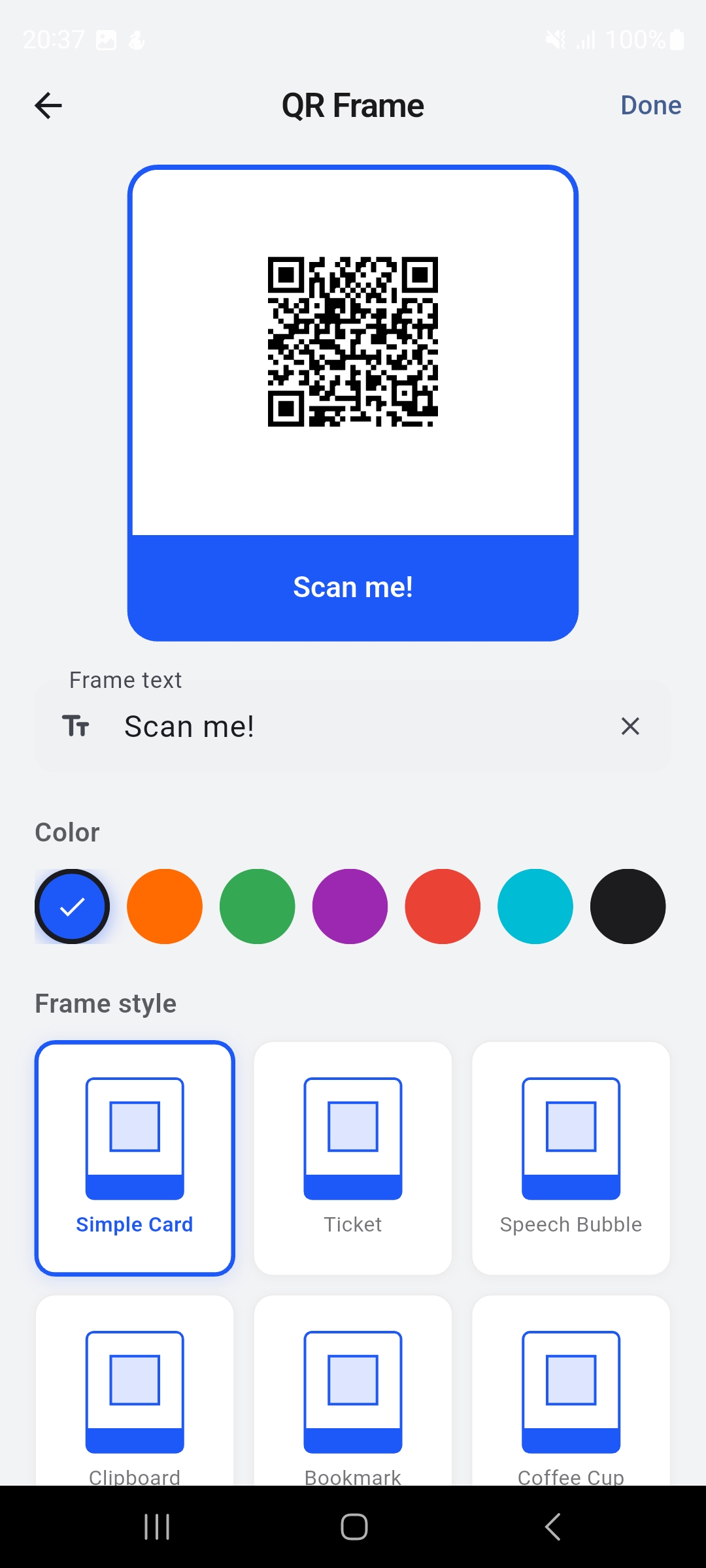
10 unique frame styles including Ticket, Speech Bubble, Coffee Cup, Clipboard, and more. Fully customizable.
Share QR codes as text or beautiful images. Export styled QR codes with frames for social media or print.
All data stored locally on your device. No account required. No tracking. Your QR codes stay private.
Clean, modern interface designed for ease of use.
Last updated: September 19, 2026
QR Manager ("we", "our", or "the app") is developed by xSnap. This Privacy Policy explains how we handle your information when you use our mobile application.
We do not collect any personal data. QR Manager is designed with privacy-first principles:
The app requests camera access solely for the purpose of scanning QR codes. Camera data is processed in real-time on your device and is never stored, recorded, or transmitted.
The app uses local storage to save your QR codes and preferences. This data remains on your device and is only accessible by the app itself.
When you choose to save a QR code image to your gallery, the app requests permission to write to your device's photo library. Images are saved locally to your device's gallery and are not uploaded or transmitted anywhere. You have full control over these saved images through your device's Photos app.
We use Sentry, a third-party crash reporting service, to collect anonymous crash logs and diagnostic information. This helps us identify and fix bugs to improve app stability. Sentry may collect:
No personal data or QR code content is included in crash reports. For more information, see Sentry's Privacy Policy.
We do not share, sell, or transfer your QR code data to third parties. Anonymous crash reports are sent to Sentry to help us improve app stability. When you use the "Share" feature, data is shared only through your device's native sharing mechanism to the destination you choose.
Your data persists on your device until you manually delete individual QR codes or uninstall the application. Uninstalling the app permanently removes all stored data.
Our app does not knowingly collect information from children under 13. The app is suitable for general audiences and contains no age-restricted content.
We may update this Privacy Policy from time to time. Changes will be reflected on this page with an updated revision date.
If you have questions about this Privacy Policy, contact us at: contact@xsnap.space
Last updated: September 19, 2026
By downloading, installing, or using QR Manager, you agree to be bound by these Terms of Service. If you do not agree to these terms, do not use the app.
QR Manager is a mobile application that allows users to:
You agree to:
The app, including its design, code, icons, and frame designs, is the intellectual property of xSnap. QR codes you create using the app are yours to use freely.
The app is provided "as is" without warranties of any kind. We do not guarantee that:
To the maximum extent permitted by law, xSnap shall not be liable for any indirect, incidental, special, or consequential damages arising from your use of the app.
You may stop using the app at any time by uninstalling it. We reserve the right to modify or discontinue the app at any time without notice.
We reserve the right to update these Terms of Service. Continued use of the app after changes constitutes acceptance of the revised terms.
For questions about these Terms, contact us at: contact@xsnap.space